Save a place. Note the birds.
Keep hunt sites and waypoints on the map. Record bird activity, species, counts, and notes when you scout. Reopen a saved scout's notes and map to find your parking and decoy setup when you return.
Explore scouting →
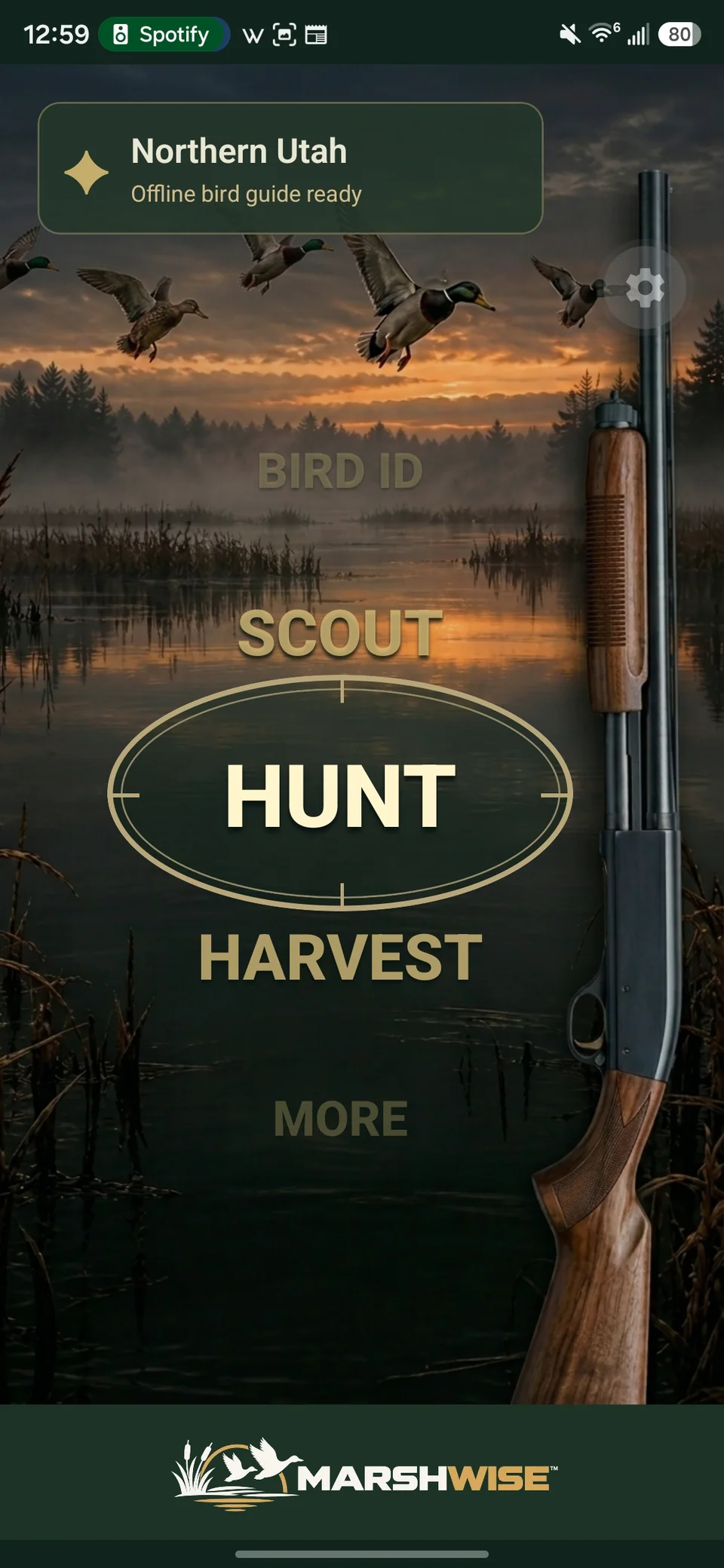
A field log for waterfowl hunters
Save your spots, record what you see, and keep each hunt and harvest together. Your field notes stay on your phone, even when service drops.
Currently in testing. Not yet available in the App Store or Google Play. About availability.
From scouting to the ride home
A site, a scouting visit, and a hunt each have their own record. Your harvests stay connected to the outing.
Keep hunt sites and waypoints on the map. Record bird activity, species, counts, and notes when you scout. Reopen a saved scout's notes and map to find your parking and decoy setup when you return.
Explore scouting →Keep one outing together, add photos and bird counts, and capture the time and available GPS location as you log.
Explore hunt logging →Return to past hunts, photos, and observations in your history. Use your own notes to plan the next trip.
Build your Trophy Room from selected harvests and share individual trophies with accepted friends. Each trophy starts private.
Open Trophy Room → Explore your history →Built around field use
Core scouting, hunt, and harvest records save locally. You can keep logging without a connection or an account.
Loading map imagery, cloud backup, and AI photo identification need a connection. The bird guide is available offline.
Cloud backup is optional. Linking your records enables uploads when you’re signed in and the app is open.
Get started
Follow the field guide from saving your first hunt site to reviewing the day’s harvest.
Open the field guide →Have an idea for MarshWise or a question about the app? Send it our way.
[email protected]