The app
A place for every part of the outing.
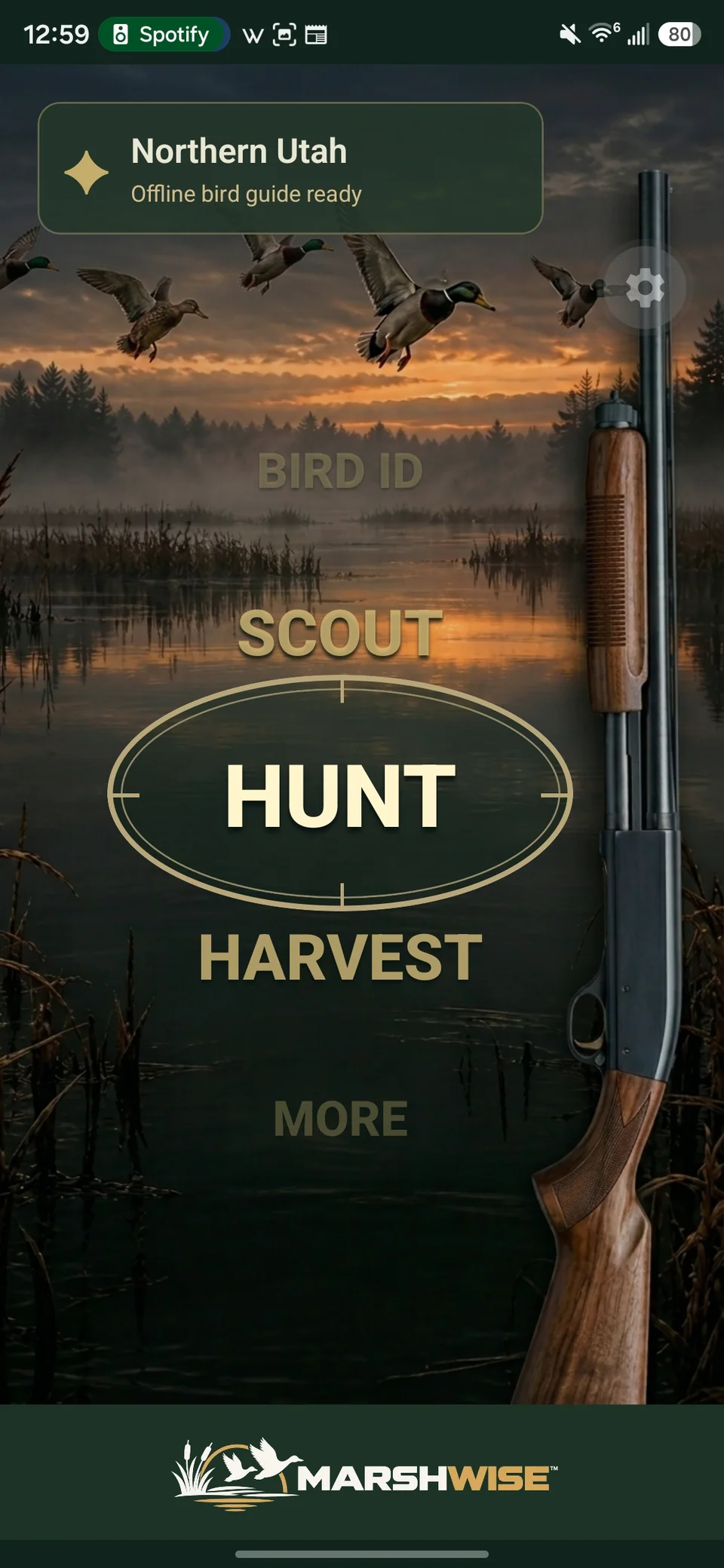
Move between Map, Bird ID, Scout, Hunt, Harvest, and More from the home menu. Here is how those parts fit together.
Screenshots from the current Android testing build. Select a screenshot to see it larger.
Home
Start with what you’re doing.
The home menu puts Map, Bird ID, Scout, Hunt, Harvest, and More within reach. Choose a section to open the tools for that part of your outing.
Return to Home from the bottom navigation when you want to change activities.
Keep your places together.
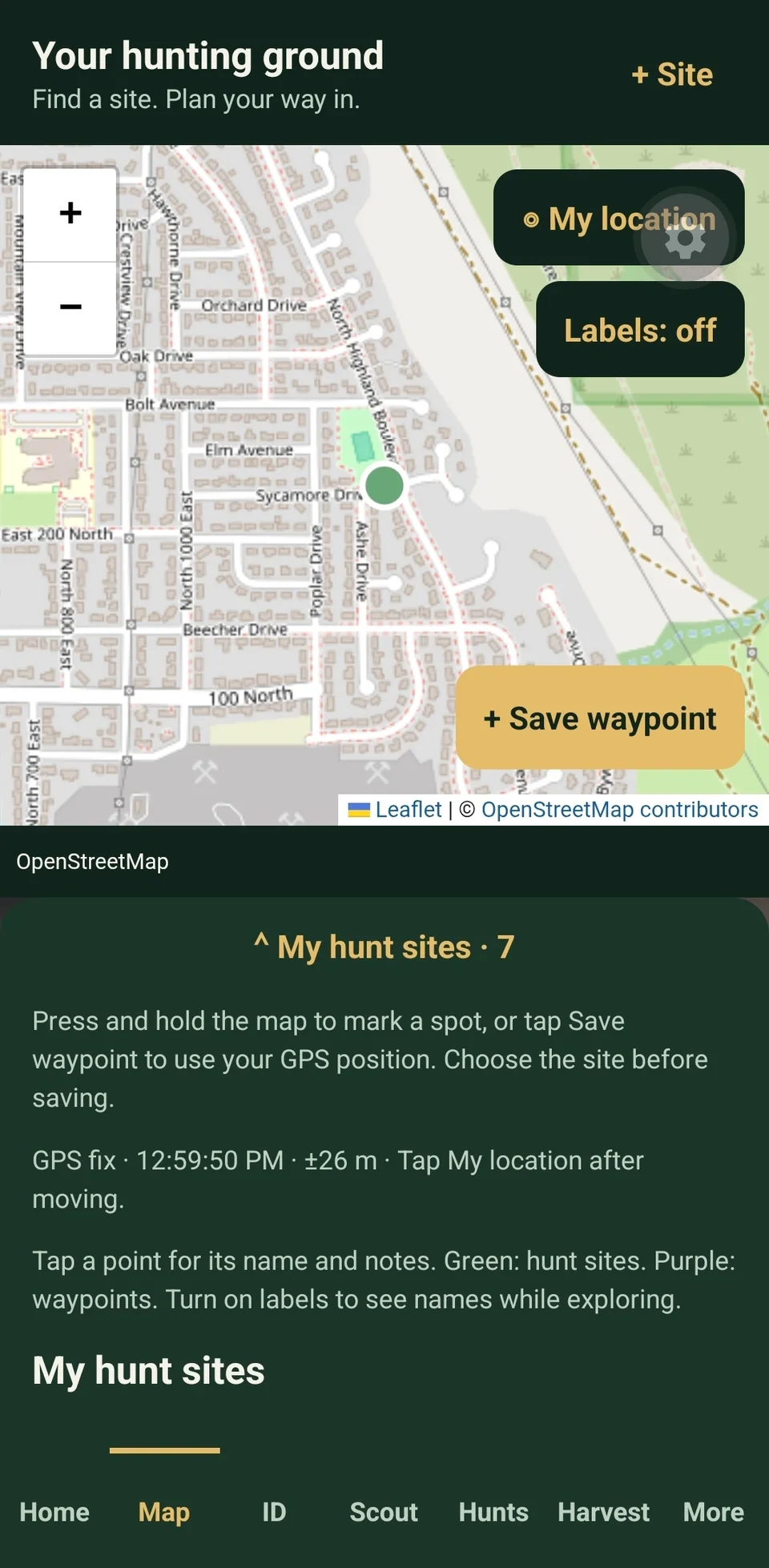
Save hunt sites, add waypoints, and return to locations you have recorded. Select a site to see its details or open navigation in a supported maps app.
Use + Site to name a place and save its coordinates.
New map imagery needs a connection. Offline map downloads are not available.
Record what you see.
Choose a hunt site, note bird activity, and add species, an approximate count, or notes. Scout visits remain separate from your hunts.
Choose a site, enter Bird activity, then tap Save scout visit.
Mark parking, decoy setups, blinds, and boat launches with scouting waypoints. Tap a saved visit's View notes & map to review the area and navigate to a point when you return.
Scouting points are shared across visits to the same site and saved only on this phone. They are not included in cloud backup. Notes and coordinates work offline; map imagery needs internet.
Keep one outing together.
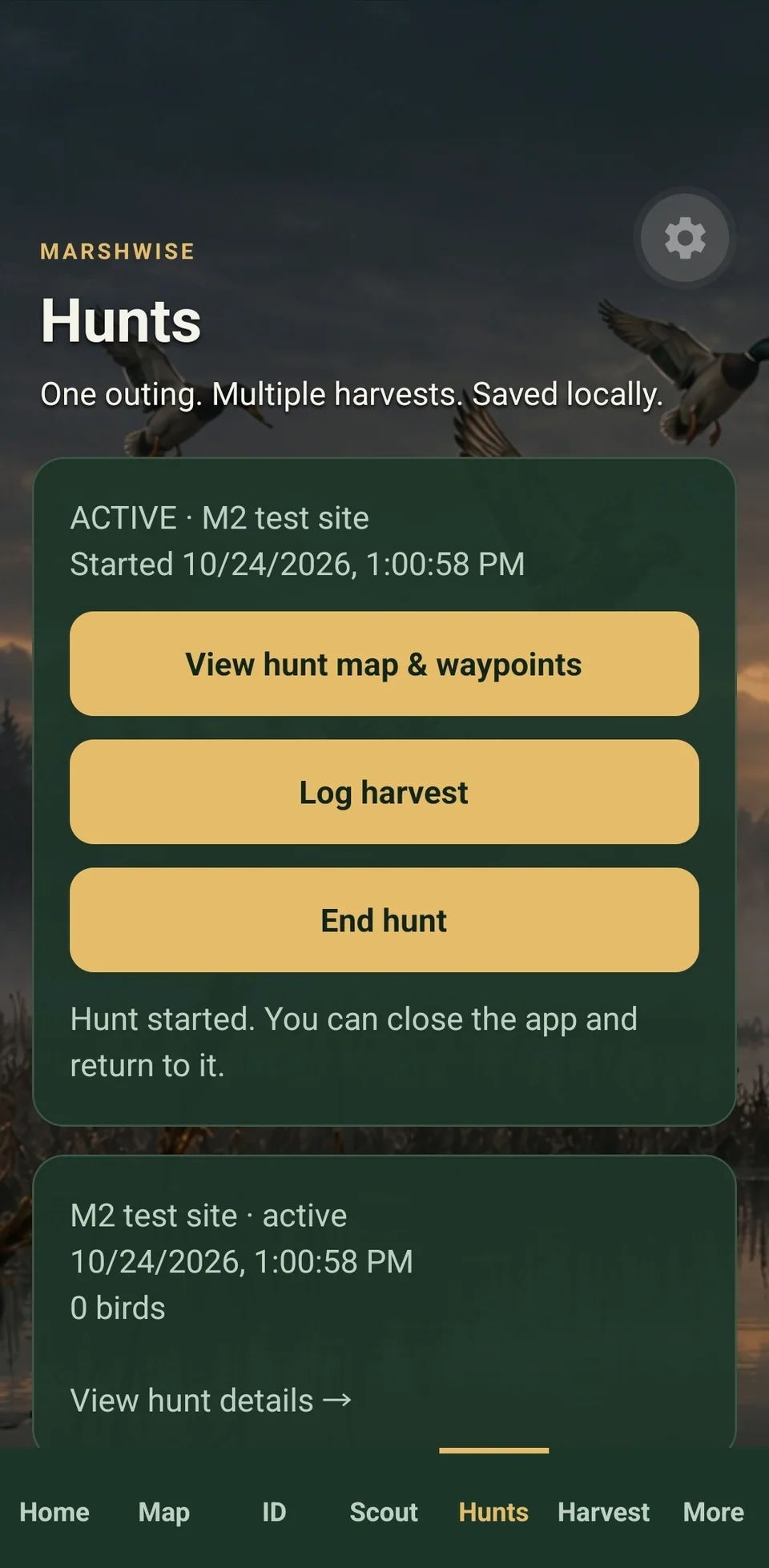
Start a hunt at a saved site. The active hunt links your harvests and can be reopened after closing the app.
The site's three most recent scouts are within reach before and during the hunt. Open a scout's notes and map to review your saved setup and access points.
Tap Start hunt. Return to Hunt when you are ready to end it.
Save or discard any unfinished harvest before ending the hunt.
Keep the birds and the details.
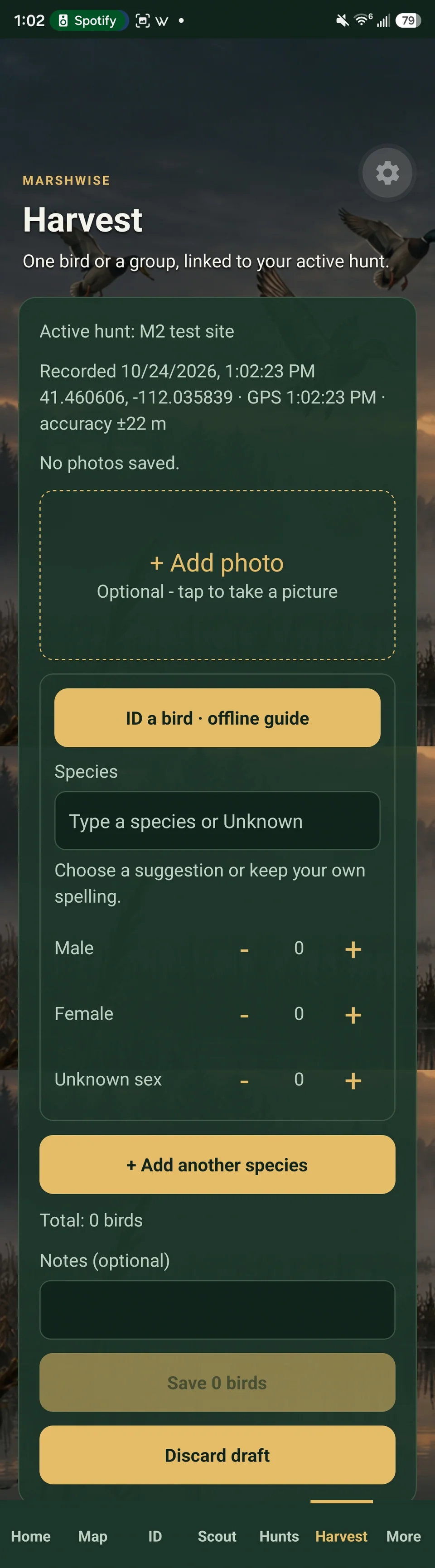
Record species and counts, add photos and notes, and keep the harvest linked to the active hunt. Time and available GPS context are captured as you log.
Tap + Record Harvest, enter the birds, then use the Save button showing the bird count.
A missing photo or unavailable GPS does not have to stop you from logging.
Frame the memories. Share the ones you choose.
Build a framed collection from saved harvests, with an optional caption, harvest date, and photos. Every trophy starts private. Connect by handle and accept a friend request to view each other's shared trophies.
Tagged photos fill the 41-category Waterfowl Board. Tap a bird to browse its photos, or view your board on the web with your MarshWise account.
Open Harvest → Trophy Room. Use + Add trophy to build your collection, then Trophy settings → Share with friends to share an individual trophy with all accepted friends.
Sign-in and internet are required. GPS, hunt sites, waypoints, and field notes are not included in trophies. Photos and captions can still reveal a location. Make a trophy private again or remove it without deleting the original harvest.
Learn how to add trophies and connect with friends →Check the field marks.
Use the offline bird guide to help narrow down an identification. Optional AI photo identification can offer a suggestion when online services are available.
Open Bird ID from the home menu. Review any suggestion before accepting it.
AI photo identification requires internet, sign-in, and an enabled service.
Return to your season.
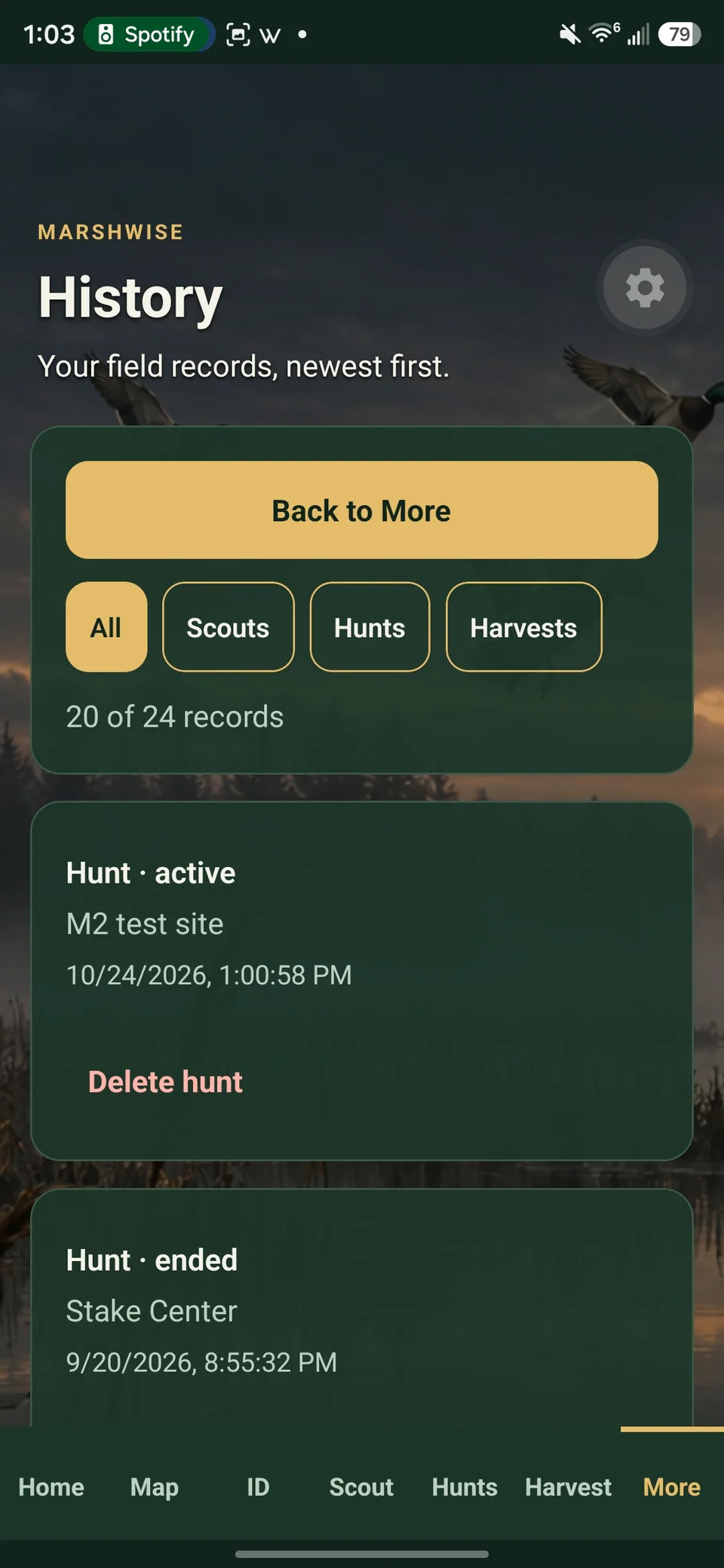
Review recent scout visits, hunts, and harvests in More. Open the full history to revisit earlier outings and their details.
Open More, then View all history when records are available.
Account, cloud uploads, and restore controls also live in More.